

 Resources



















Powered by AI
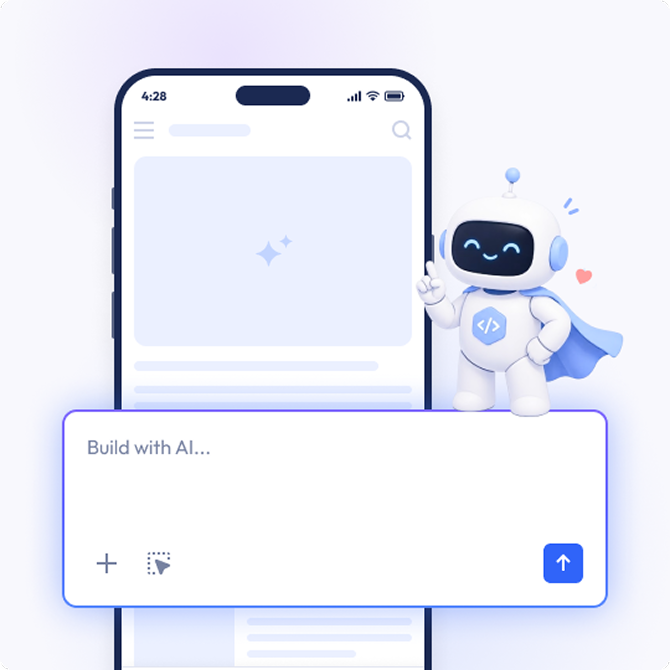
Describe the app you want to build, and AppMySite's AI app builder helps create it for you. Generate app content, visuals, branding, layouts, and structure, then keep improving everything through simple AI prompts.
Start with your website, store, content, or idea and create an app around the way you already work.
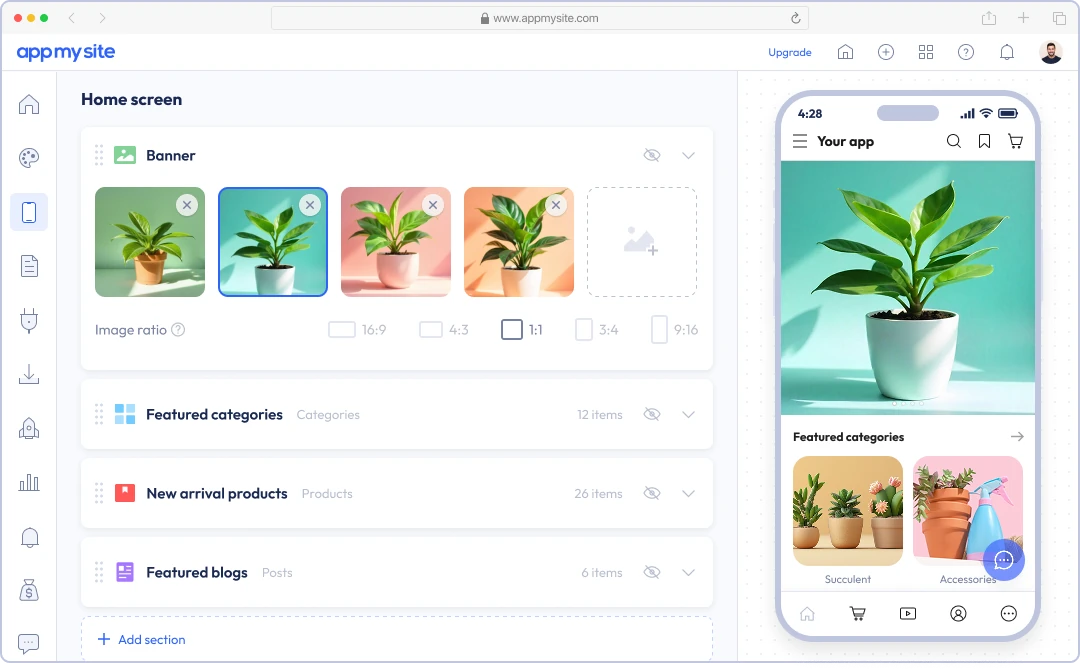
Preview how your app can look, feel, and flow on mobile.
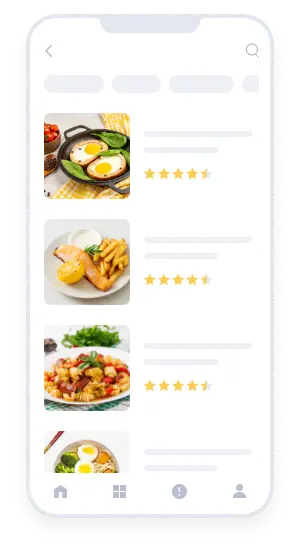
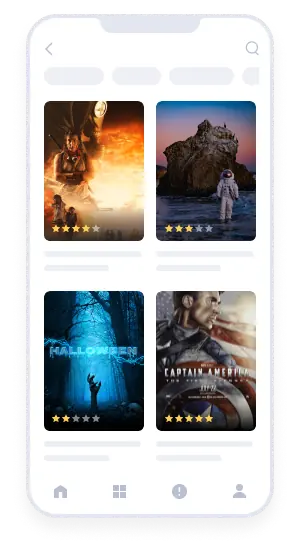
Help users explore content more easily with app experiences designed to present what matters.
Make browsing easier with app-style menus, bottom navigation, and mobile patterns built for smooth movement.
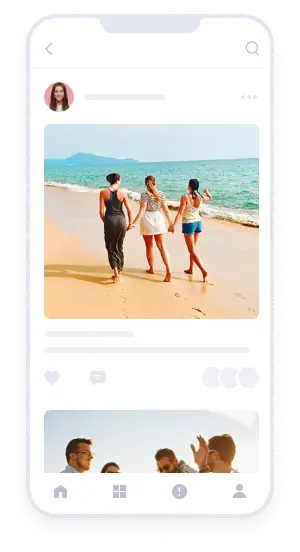
Create polished mobile interactions that keep users interested, involved, and exploring further.
Guide users naturally from one screen to the next with layouts and flows designed for clarity and comfort.
Give users a reason to come back with app experiences that feel familiar, useful, and easy to revisit.
Make it easier for users to read, browse, click, buy, book, or interact with clear mobile-friendly paths.
App sessions delivered
Mobile app downloads
Mobile apps built
Choose modern layouts, rich content, and polished screens that help your app feel complete from the start.
Use AppMySite to design, preview, and publish native mobile apps with AI-powered tools and more control.
Personalize your app with flexible layouts, colors, branding, screens, and feature controls.
Create native Android and iOS app builds without coding, including APK, AAB, and IPA files.
See every change as you make it and know exactly how your app experience will look before you publish.
Generate launch-ready builds for Google Play, Apple App Store, and other popular app stores.
Give your app the tools to engage users, support customers, reach wider audiences, and create more value over time.
Explore featuresRe-engage users instantly with targeted push notifications designed to bring them back at the right moment.
Guide users to the right screen, product, page, or action with app links that reduce friction and improve journeys.
Track installs, sessions, engagement, and user behavior so you can understand what is working and improve with clarity.
Create mobile app experiences for broader audiences with language and localization features built for global reach.
Support users in real time with integrated chat experiences that make it easier to answer questions and build trust.
Unlock more revenue with monetization features like in-app purchases and ads built for mobile growth.
Create Android apps, iPhone apps, and Progressive Web Apps without coding and publish to Google Play and Apple App Store with ease.
Use our white-label mobile app builder to create apps for clients under your brand and grow your agency without expanding your development team.
Explore agency app builderWe’ve been featured on




AppMySite is an AI-powered, no-code mobile app builder. You can convert an existing website into an app or create a custom app without a website.
Use AppMySite to design, build, and preview Android apps, iPhone apps, and Progressive Web Apps. You can also generate app builds and prepare your app for publishing on Google Play and the Apple App Store.
Describe the app you want to create in plain language, and AppMySite’s AI app builder will help generate its content, visuals, branding, layouts, navigation, and overall structure. You can continue chatting with AI to change individual elements or improve the whole app.
You can also build visually using AppMySite’s drag-and-drop tools, toggles, and settings. Use AI, the visual app builder, or a combination of both, depending on how you prefer to work.
Yes. AppMySite lets you build a mobile app without writing code or hiring a development team.
You can use AI prompts, visual controls, drag-and-drop tools, and simple settings to manage your app’s content, design, navigation, features, and branding. You can also preview your changes as you work and test the app before publishing it.
Yes. AppMySite can convert your existing website into an Android or iPhone app. Your website remains the source of its content and functionality, while AppMySite adds the app design, navigation, branding, and native app features around it.
Whenever your website content changes, the app content changes with it.
Yes. AppMySite’s custom app builder lets you create an app even if you do not have a website.
You can build pages, add content and media, organize navigation, and manage the app from your AppMySite account. You can also use AI to generate and improve the app’s content, visuals, branding, and structure.
You can create apps for businesses, online stores, blogs, publications, educational projects, communities, membership platforms, content services, and many other use cases.
Start with an existing website, connect a supported platform, or create a custom app from your own idea. The content, features, and structure you choose will determine what users can do inside the app.
Yes. AppMySite can create native app builds for Android and iOS, including the files needed for testing and app store submission. You can also create a Progressive Web App, or PWA, that users can open through a browser and install on supported devices.
This allows you to make your app available through Google Play, the Apple App Store, and the web.
Yes. AppMySite helps you generate the app files needed for submission to Google Play and the Apple App Store. You can use the publishing tools inside AppMySite, submit the files manually, or purchase expert assistance with the process.
Yes. AppMySite lets you create, build, and publish an Android app for free. You can design your app, add features, preview it, test it on a real device, generate the Android build, and publish it without purchasing a subscription.
The free plan includes AppMySite branding and limits how many app builds you can generate. You can upgrade when you want to remove the branding, generate more builds, create an iPhone app, or access additional paid features.
You can create the first version of your app in minutes, especially if you already have a website or use AI to generate the initial content, design, and structure.
The complete launch time depends on the size of your app, the changes you want to make, and the app store publishing process. Apple and Google control their own review timelines, so submission does not guarantee immediate approval.
Yes. You can continue changing your app’s content, branding, colors, screens, menus, navigation, and supported features after creating it.
Many content and design updates can appear without requiring users to install a new version. Changes that affect the underlying app build may require you to generate an updated build and submit a new version to the app stores.
AppMySite gives you a faster and more affordable way to build an app without managing a traditional development project. You can create, preview, and update the app yourself through AI prompts and visual tools instead of depending on a developer for every change.
You also do not have to set up and maintain the technical infrastructure behind the app. AppMySite manages the app-building platform, hosting infrastructure, maintenance, and ongoing platform updates. With custom development, you or your development agency would normally need to arrange and maintain these systems separately.
A developer may still be appropriate for highly specialized software with fully custom backend systems or functionality. AppMySite is designed for people who want to build and manage an app without taking on the cost and complexity of custom development.
Yes. AppMySite offers a Build and Upload add-on for customers who want expert help with the complete setup and publishing process.
Our team consults with you, configures the app, prepares its design and app store artwork, generates the required builds, and uploads them through your developer accounts. We can also assist with reasonable changes and resubmissions if the app stores raise issues that fall within AppMySite’s scope.
You need your own Google Play developer account to publish an Android app on Google Play and an Apple developer account to publish an iPhone app on the Apple App Store.
Your app is published under your own name or business, so you retain control of the app store listings and your relationship with each store. You do not need a developer account to publish and share a Progressive Web App.
AppMySite works with WordPress, WooCommerce, Shopify, and websites built using other content management systems, website builders, frameworks, or custom technologies. Static websites can also be converted into apps.
Your website should be accessible online and work properly on mobile devices. Most website functionality can work inside the app, although some third-party services or browser-restricted features may require additional configuration.
Most app builders still feel like software made for developers. They present users with complicated workflows, unfamiliar terminology, and technical decisions that make building an app difficult before the work has even begun. AppMySite takes those same complex processes and makes them simple, visual, and easy to understand.
You can describe what you want by chatting with AI or build it yourself using visual controls, drag-and-drop tools, and simple toggles. Every change can be previewed as you work, so you can see what you are creating, refine it along the way, and avoid being surprised by the final result.
AppMySite also handles the technology behind the process, including the app-building infrastructure, hosting, maintenance, builds, and platform updates. From your first idea to a published app, everything is brought together in one place so that anyone can create an app without needing to understand app development.
© 2018-2026 AppMySite Inc.


 Powered by AI